Produce marketing and product visuals in-house, without a photo shoot
A hands-on course on producing marketing assets, product shots, and banners with the leading image generators — Midjourney, gpt-image, and Nano Banana. Teams learn what each tool is good at, and what the commercial-use terms actually allow, so the work can move in-house.
What is generative image AI training?
This course teaches teams to produce marketing assets and product imagery directly with the leading image generators: Midjourney, gpt-image, and Nano Banana (Gemini). Midjourney is strongest on artistic and photorealistic output, gpt-image on editing through plain language inside ChatGPT, and Nano Banana on Korean-language prompts and text set into posters. Companies including Shinhan Financial Group and Nestle have used these tools for ad posters and campaign work. The focus here is on picking the right tool for the job and building assets in-house, without a shoot or an agency.
Tool comparison
You leave able to tell which of Midjourney, gpt-image or Nano Banana fits the job in front of you.
Assets you can use
Participants build real marketing material — ad banners, styled product shots — not practice exercises.
Strong in Korean
Covers the tools that handle Korean prompts and poster text well, which matters for local campaigns.
Curriculum
6 hours (1 day) — what's covered
Tool comparison and fundamentals
1 hourHow Midjourney, gpt-image and Nano Banana differ, the basic structure of a prompt, and which tool suits which job
Building marketing assets
1 hourGenerating ad banners, social images and styled product shots, and holding tone and style consistent across a set
Usage and licensing
1 hourKorean-language prompts, adding poster text, and how to check commercial-use and copyright terms for each tool
Key concepts in the curriculum
A quick look at what this course covers.
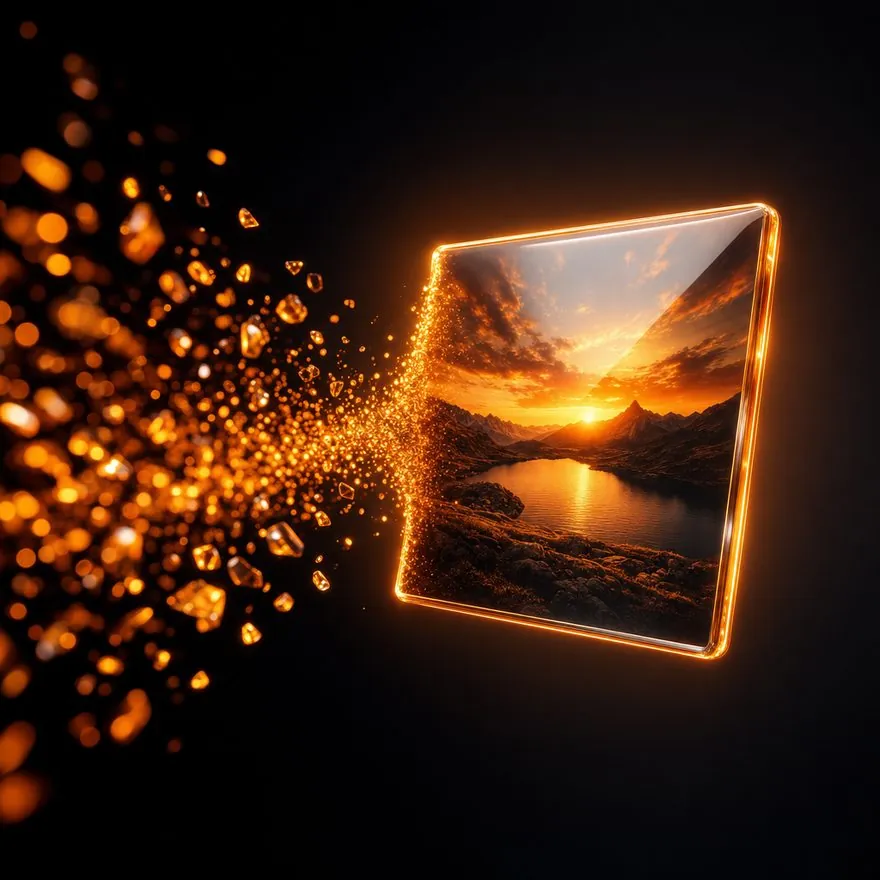
From prompt to image
A written description turning into a picture
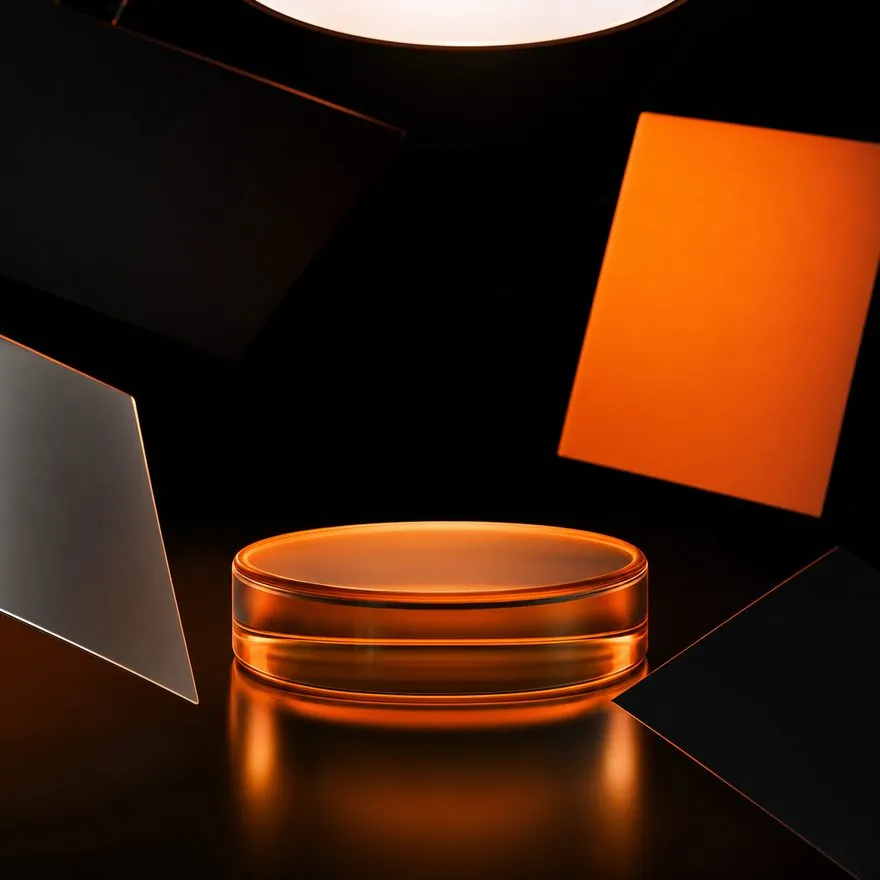
Product shots without a studio
Staging product visuals with no photo shoot
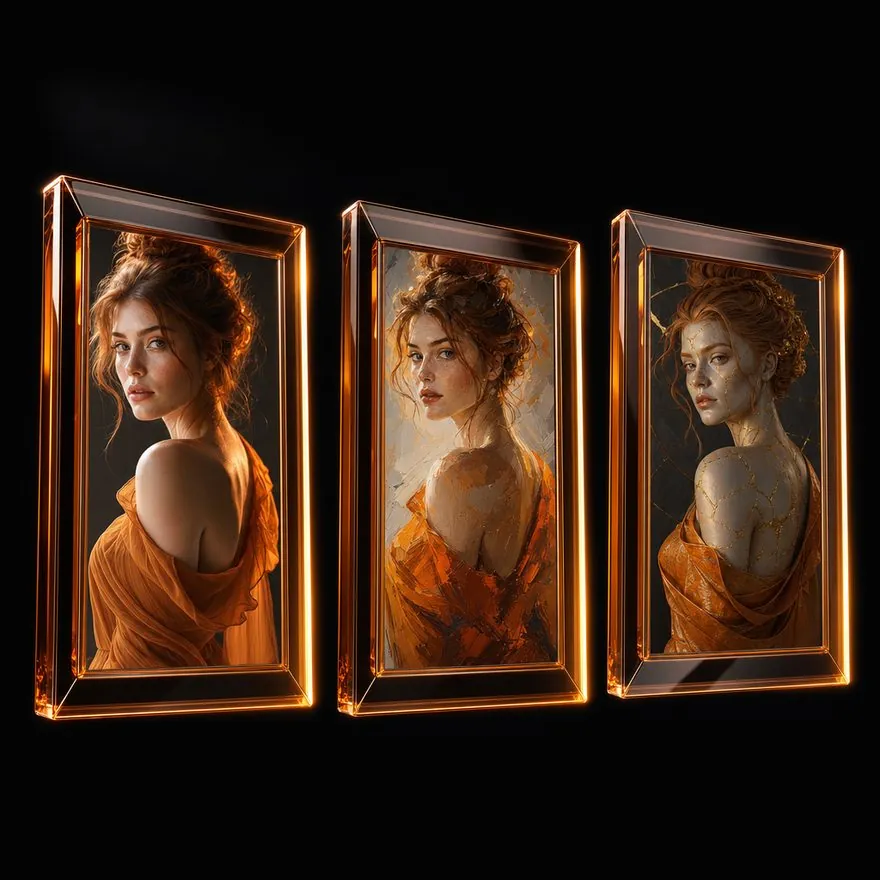
Comparing tool styles
How each image AI renders the same idea differently
Learning objectives
- Compare the strengths and limits of the major image generators
- Produce marketing assets and styled product shots hands-on
- Work with Korean-language prompts and text baked into images
- Understand commercial-use and copyright terms
What you take away
- A set of AI-generated marketing images and banners
- Sample product shots and background plates
- A written summary of prompt techniques per tool
- A commercial-use and copyright checklist
Expected outcomes
- Faster asset production and higher output volume
- Less reliance on photo shoots and outside agencies
- Ability to test many creative concepts quickly
- Copyright and usage risk handled up front
How teams put this to use
Ad banners
Generate on-concept banners and campaign assets quickly, with no shoot required
Styled product shots
Create product shots and backgrounds with AI instead of booking studio time
Social and detail-page images
Produce visuals at each channel's spec, in volume, with one consistent tone
Posters with text
Build posters and promotional images with Korean copy set into them using Nano Banana
Generative image AI training — FAQ
No. We start from the tools themselves and how to write a prompt, so non-designers keep up fine. If your role means you will actually use the output — marketing, content — you can apply what you learn right away.
Mainly Midjourney, gpt-image (ChatGPT's image generation), and Nano Banana (Gemini). Each is strong somewhere different — artistic range, plain-language editing, Korean text in images — so we also cover how to choose between them.
Commercial-use policies differ by tool, so we walk through each one's license terms and how to verify them. That includes a practical routine for checking copyright and terms of service before anything ships.
Some features are paid, and we tell you which ones in advance. We separate what you can do on a free tier from what requires a subscription, which also helps when you are pricing an in-house rollout.
A laptop. Bring a campaign theme or product details you actually need images for — participants build with their own material, so everyone leaves with something usable.
Generative image AI training — get started
Tell us your goals and headcount, and we'll design the program around them.