Kangwon National University Bootcamp Program Office
Generative AI (Claude) introductory training at Kangwon National University
About the program
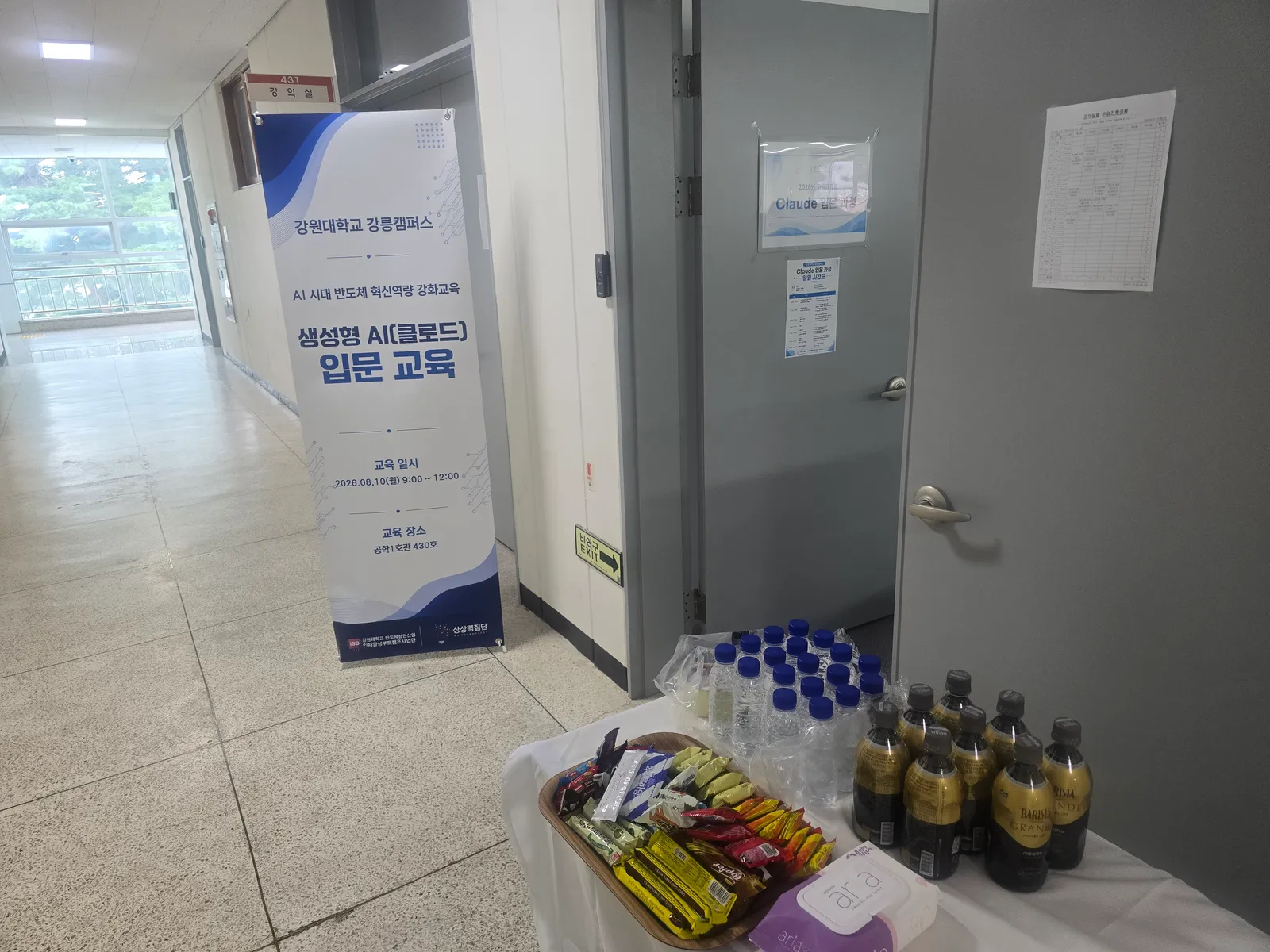
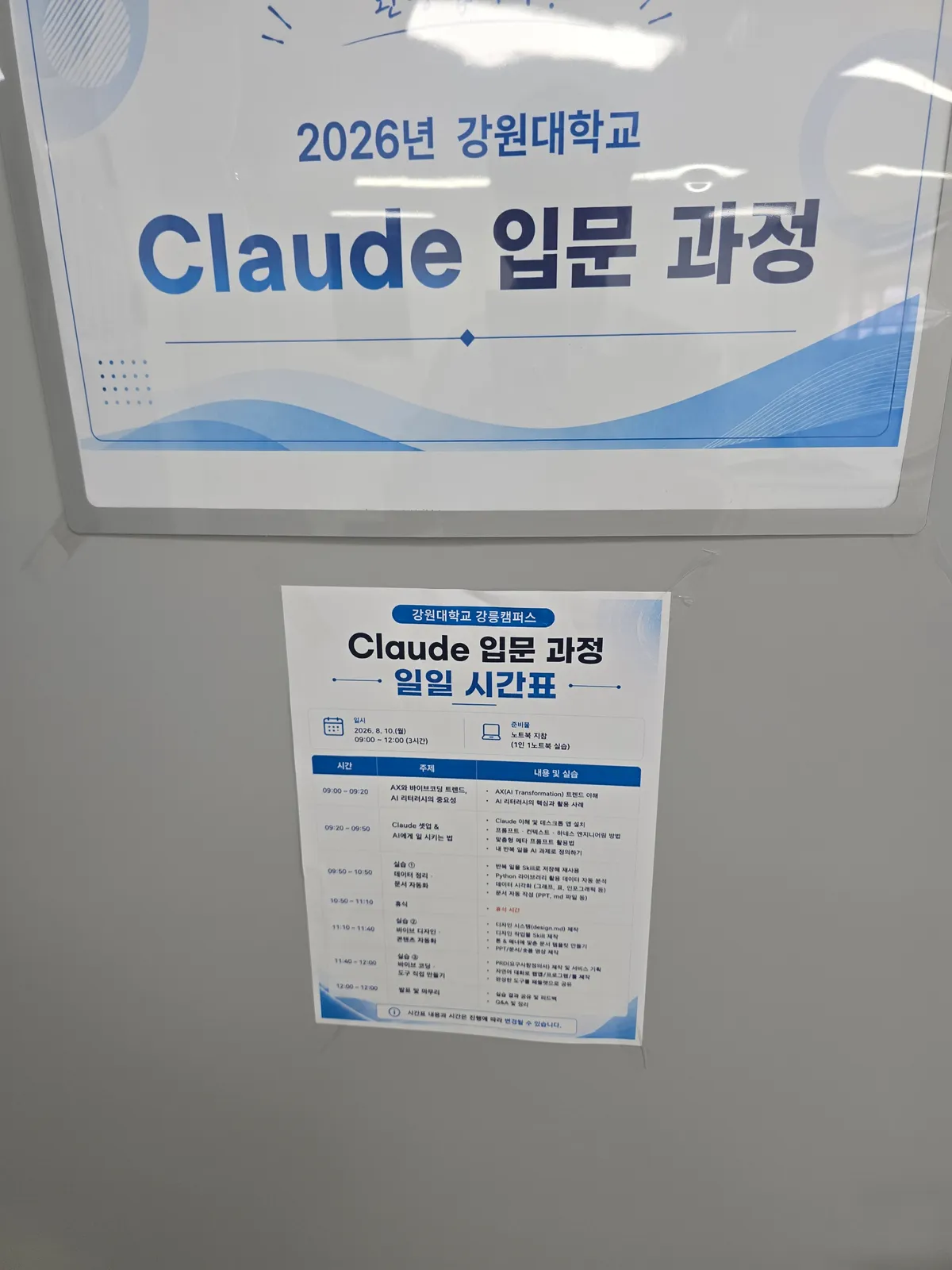
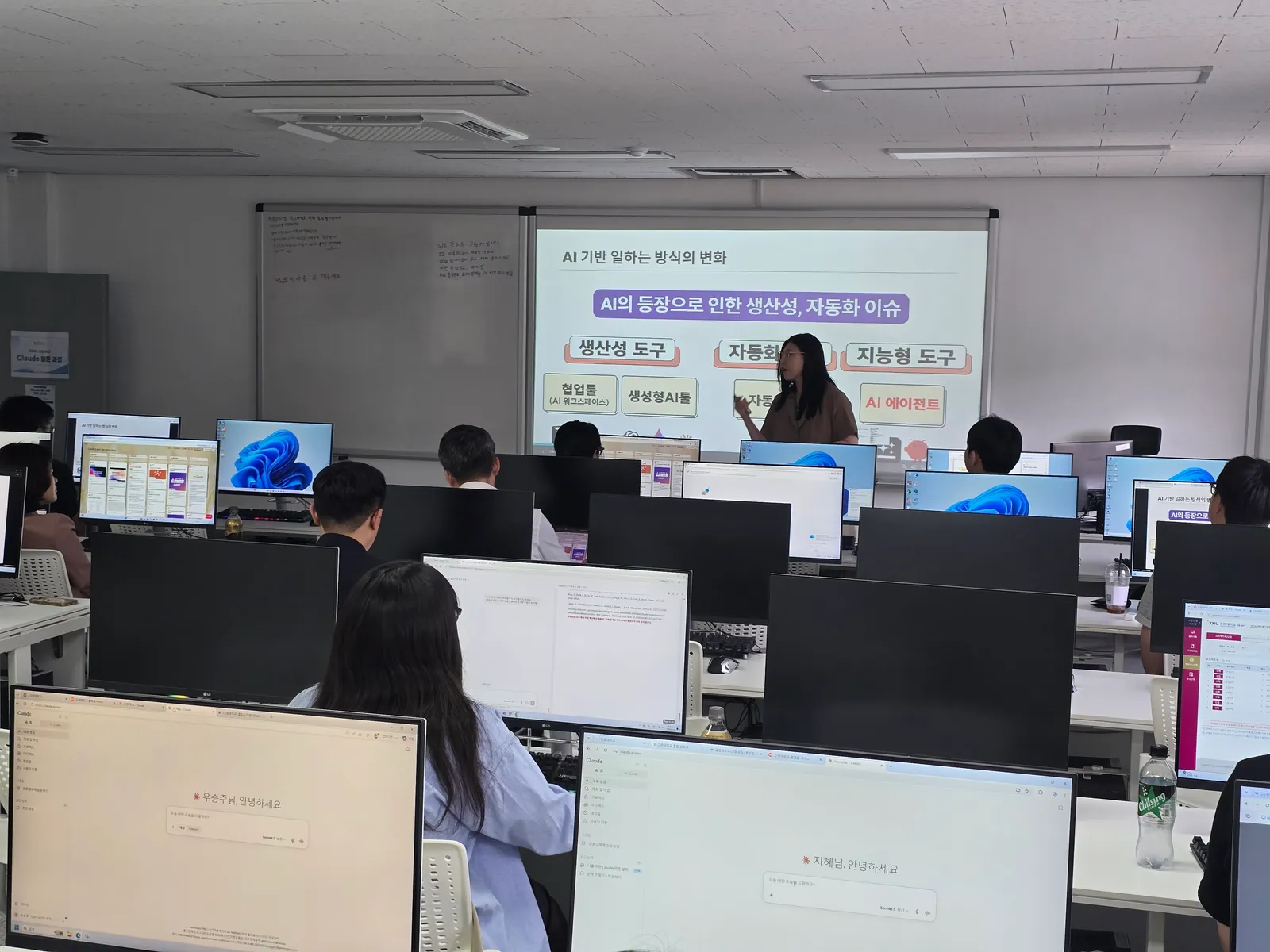
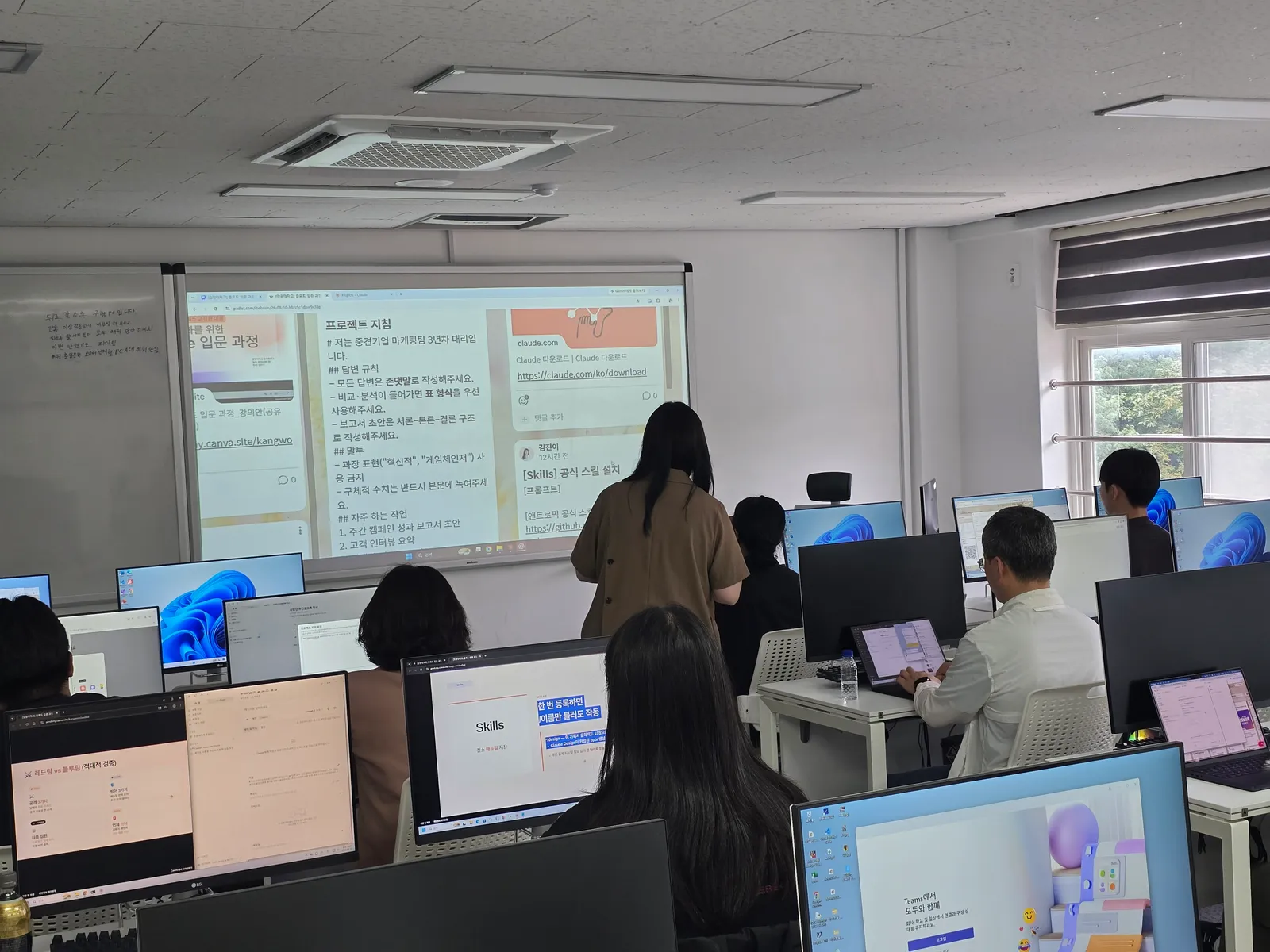
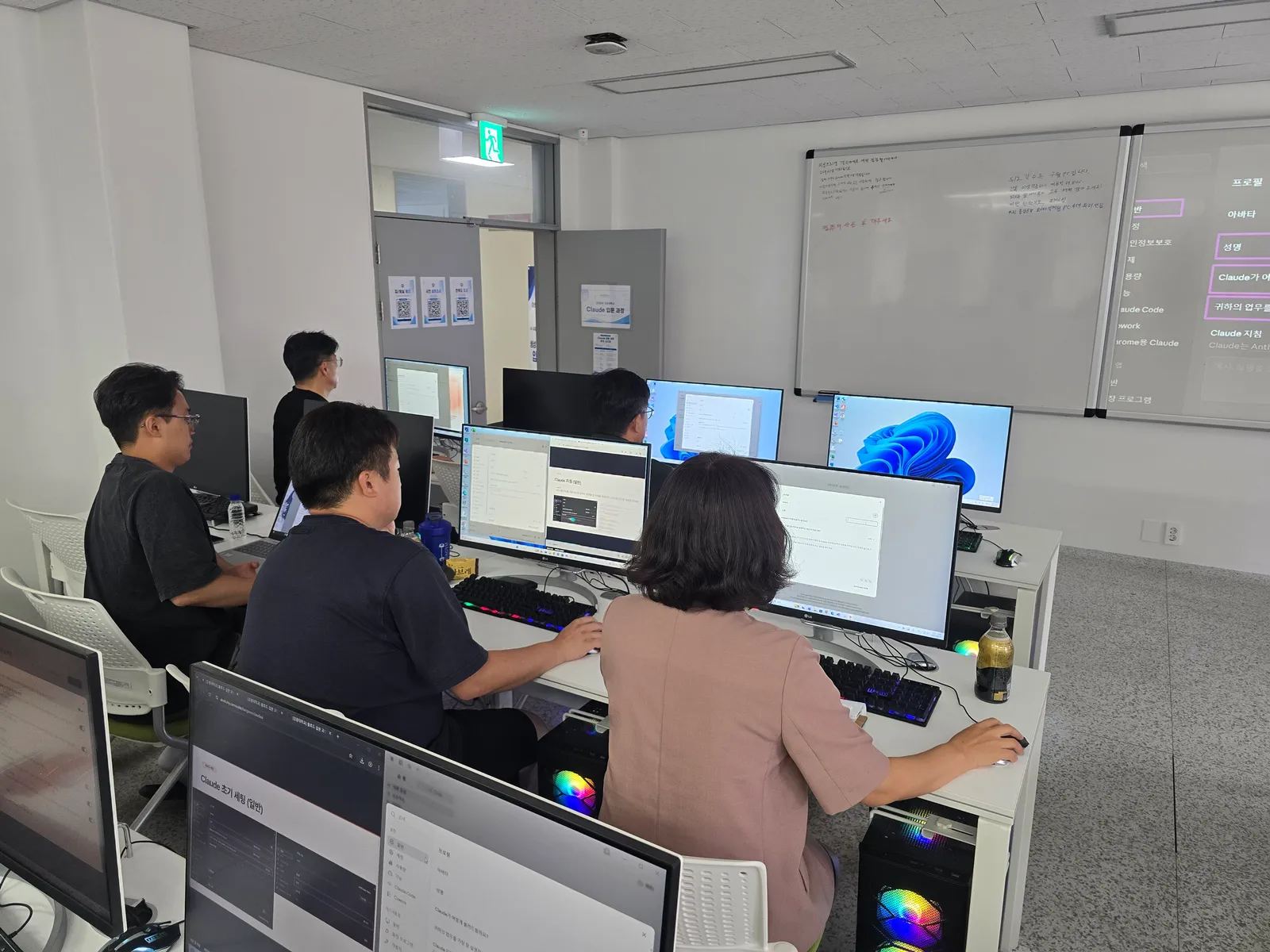
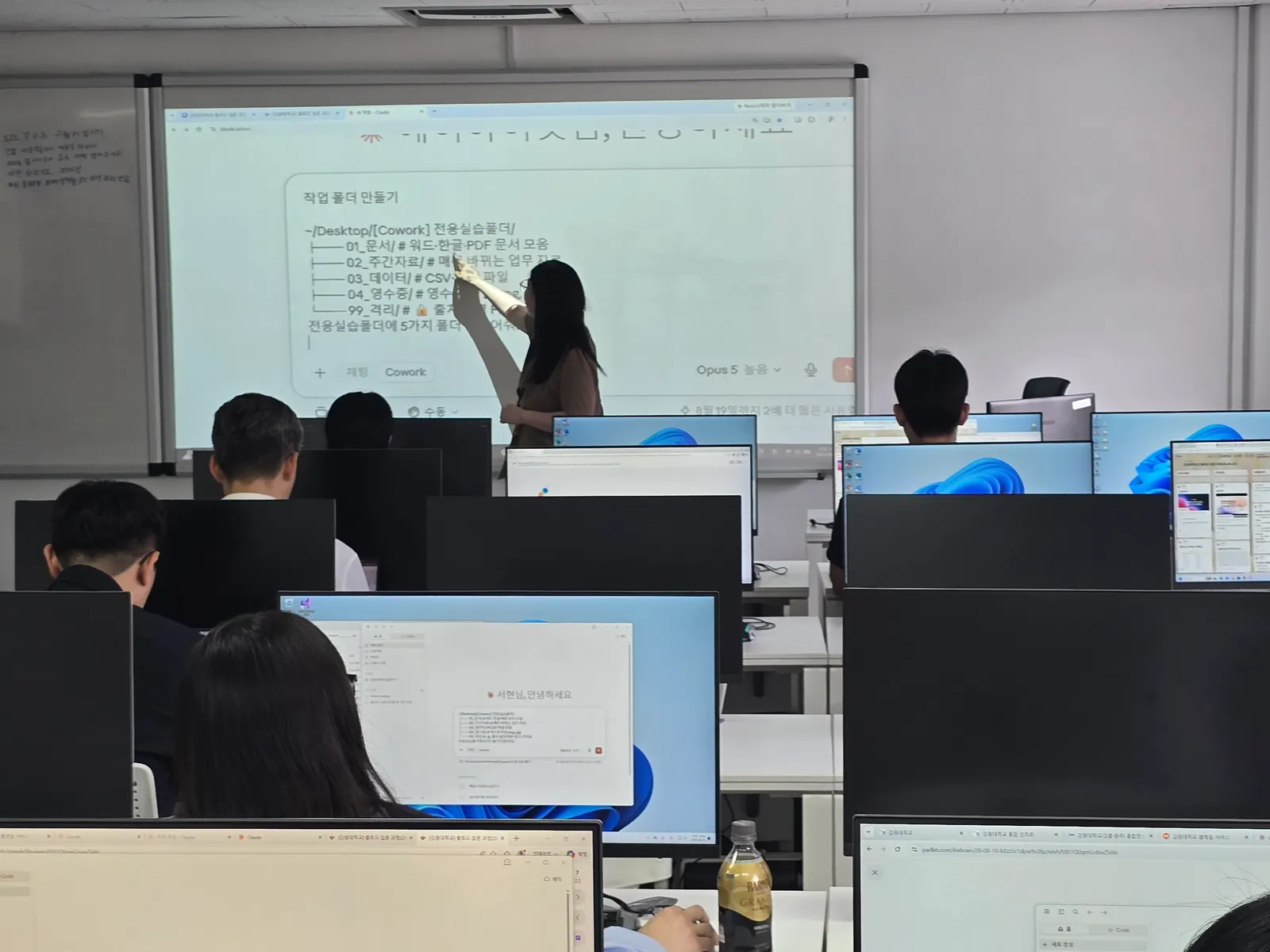
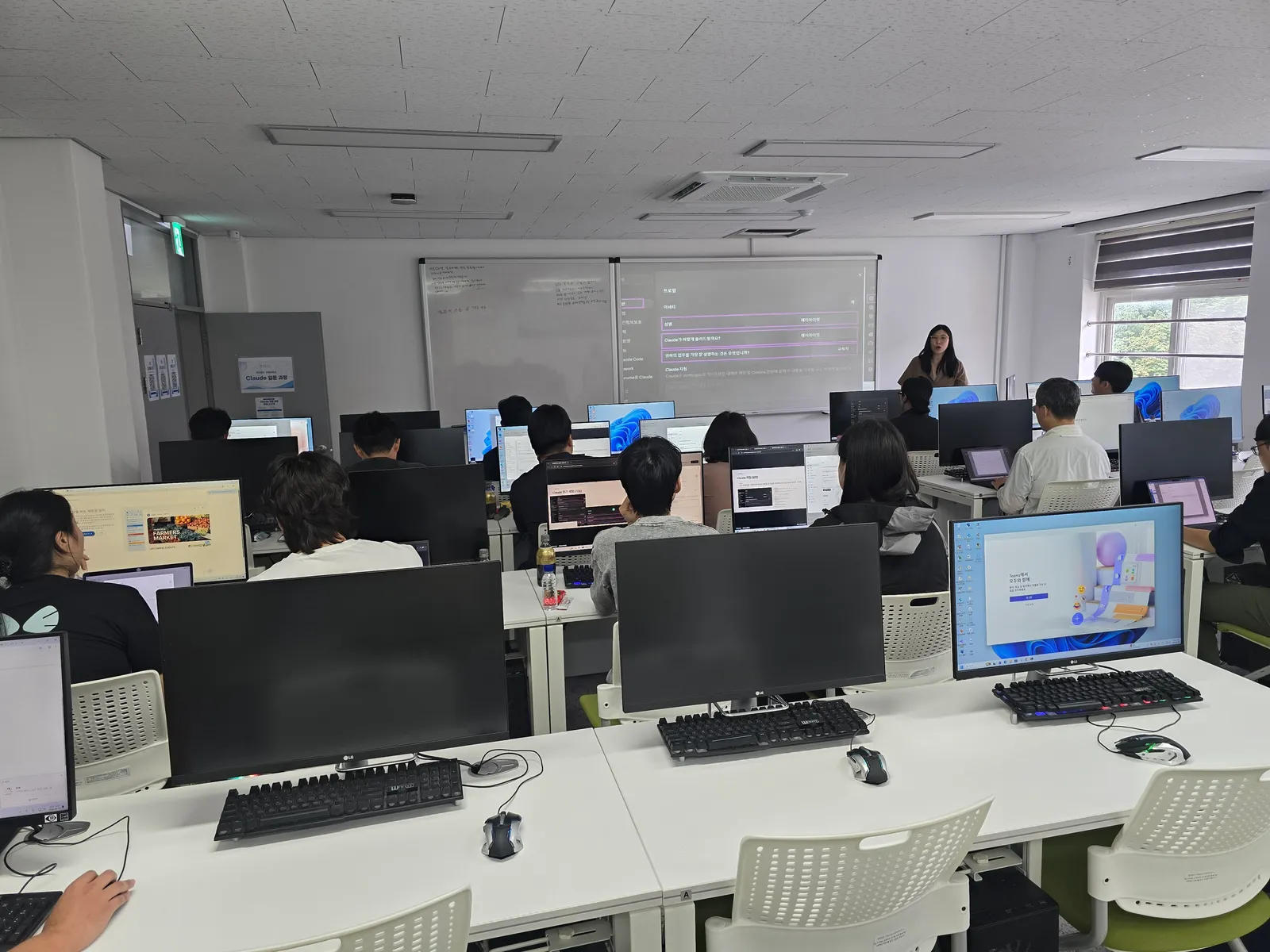
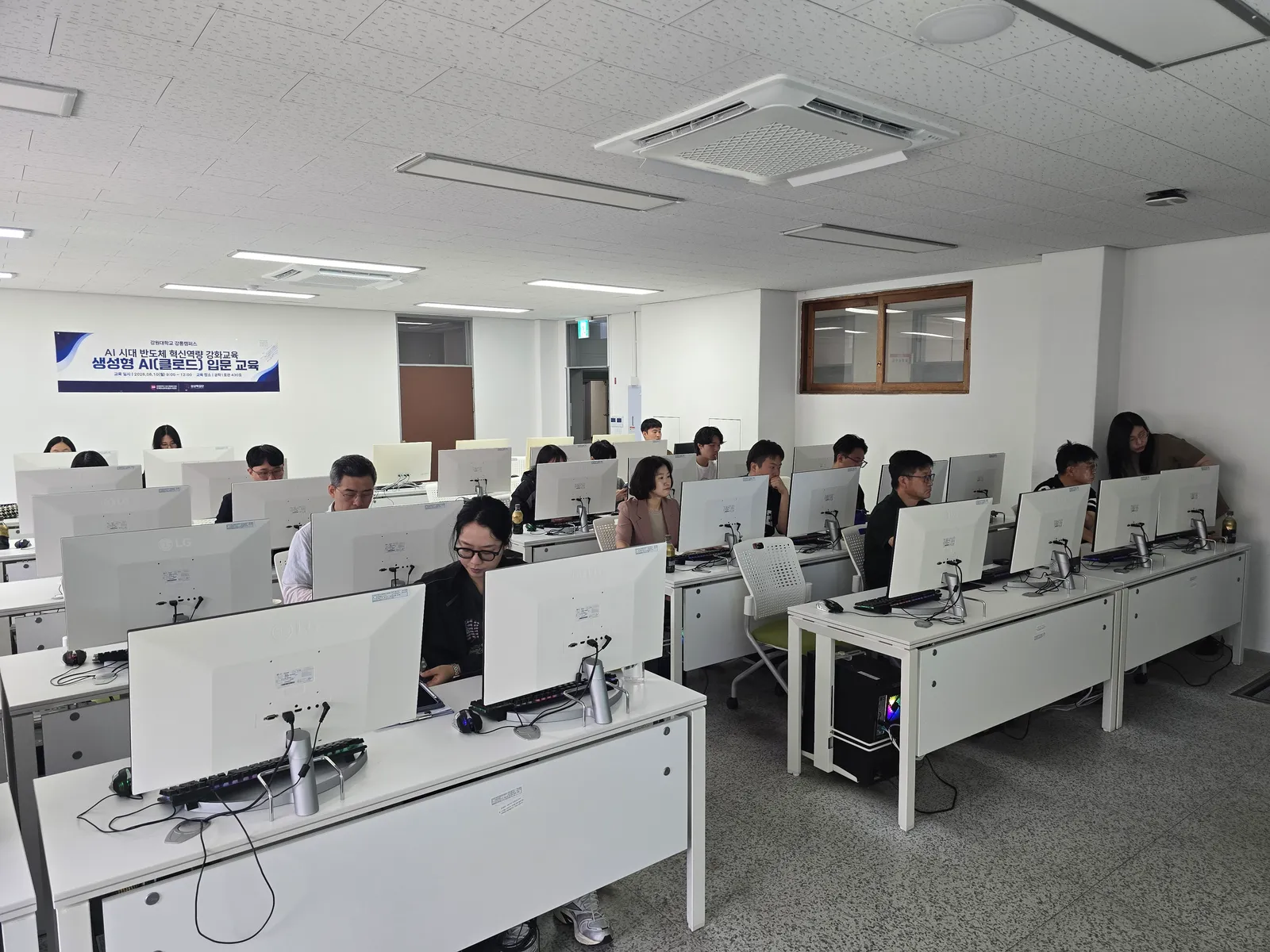
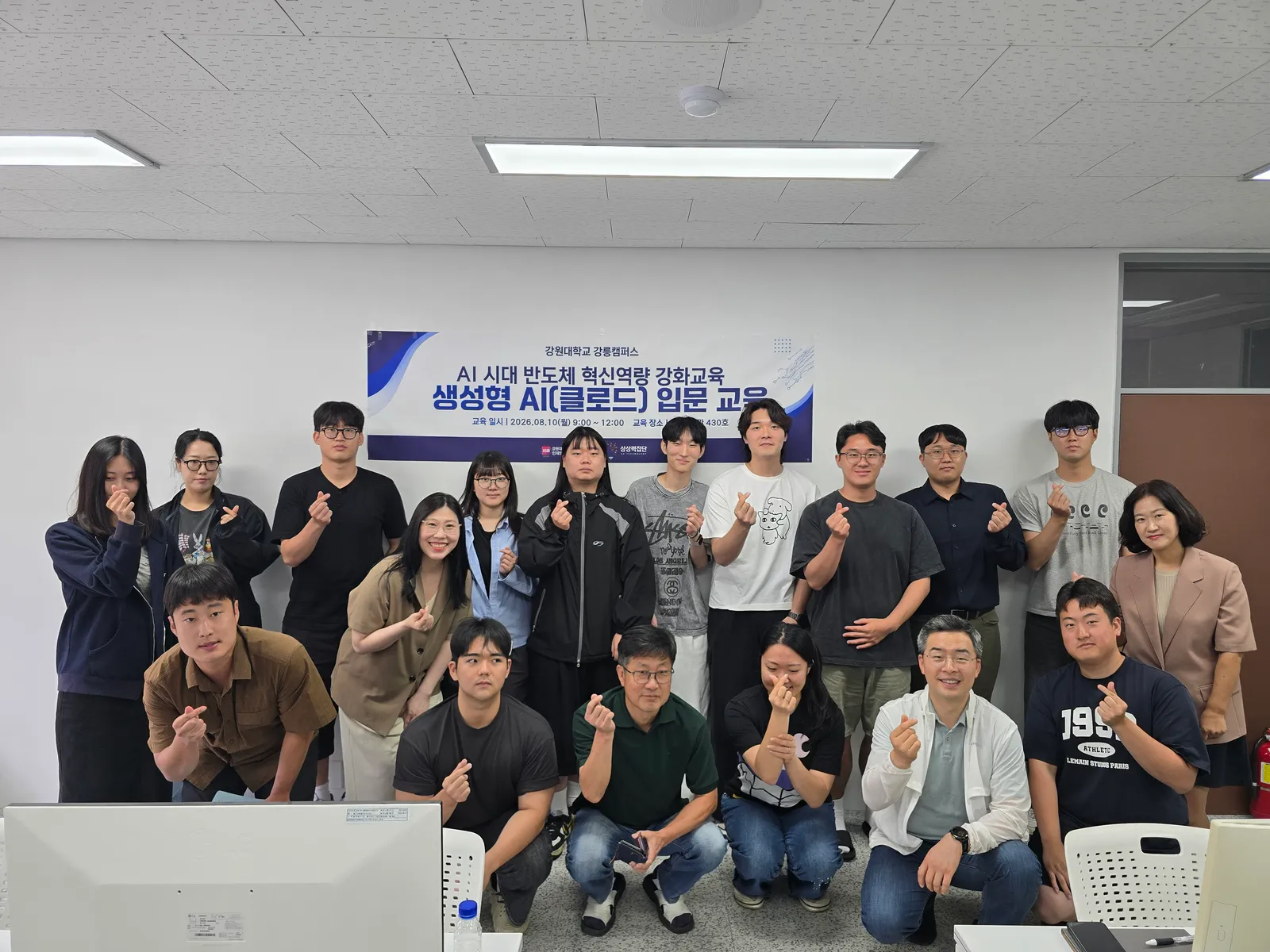
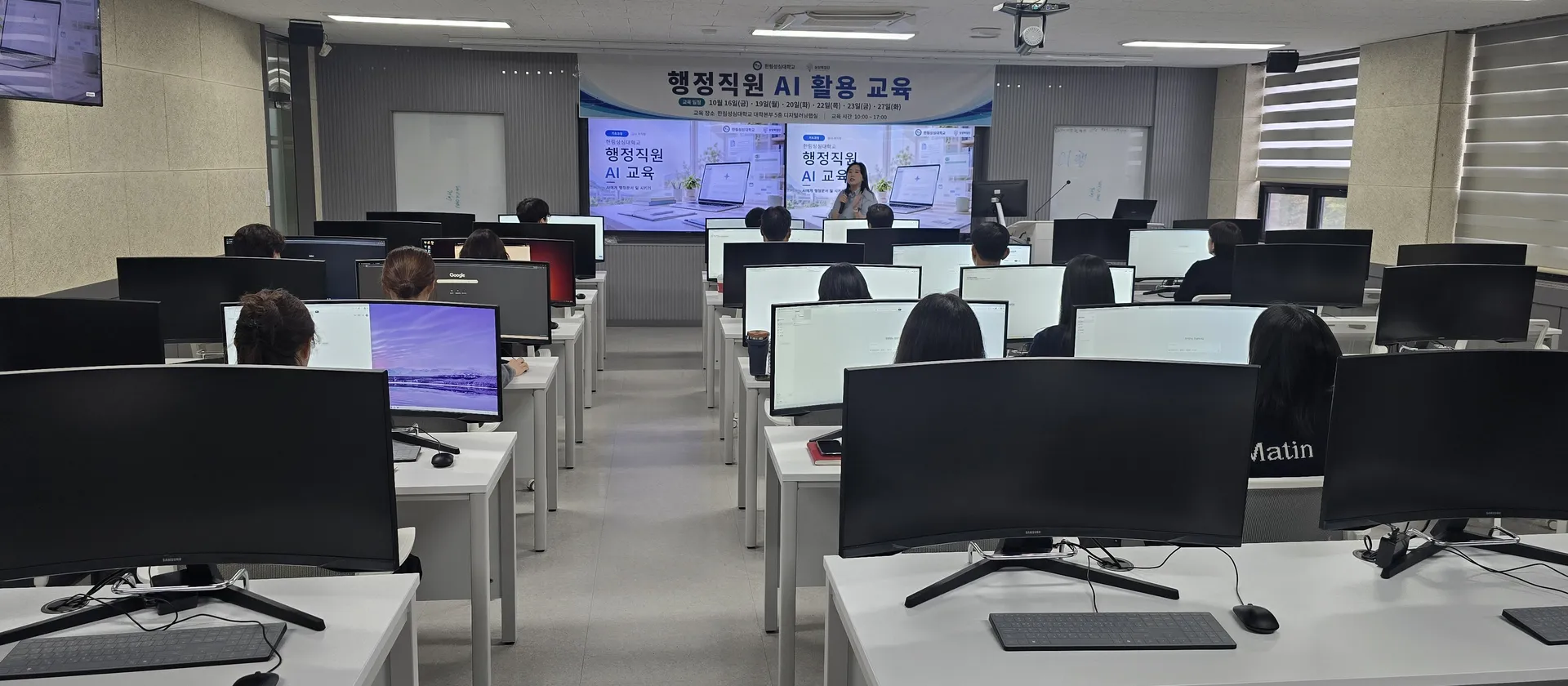
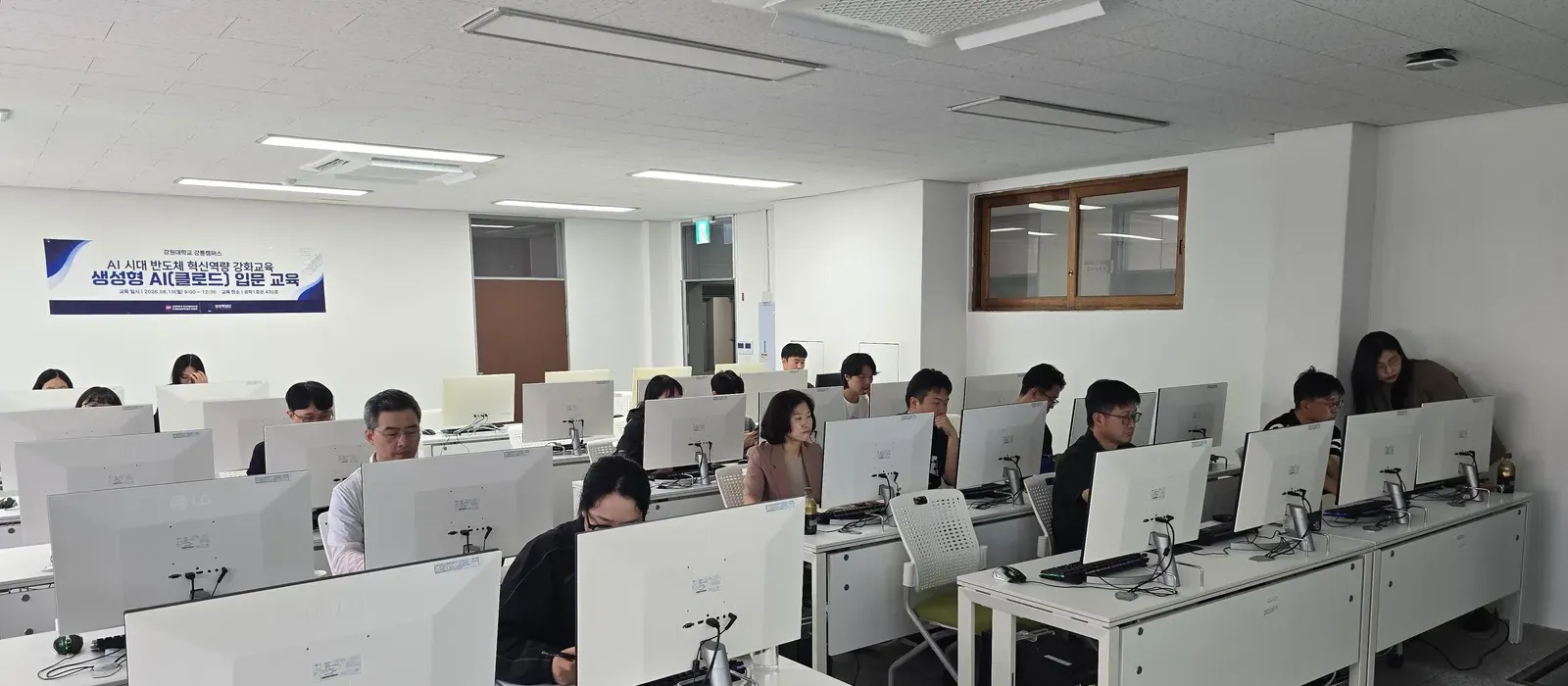
The Gangneung campus of Kangwon National University opened an introductory Claude course for the faculty, staff, and students taking part in its semiconductor innovation capacity program for the AI era. Most participants already used ChatGPT and Gemini for work and study, so rather than introduce yet another tool, the course focused on learning how to hand work over to Claude. The training ran with one PC per participant. After a short grounding in installing the desktop app and designing prompts and context, participants saved repetitive tasks as Skills to automate data analysis and document writing, then built a design system and applied it to content production. In the final exercise they wrote a requirements document and built a simple web tool through natural-language conversation alone, then shared it on Padlet. A lead instructor and an assistant instructor worked the room together to clear blockers on the spot, and a daily timetable posted at the classroom door let participants see the whole flow in advance.
What we ran
An introductory hands-on course covering everything from installing the Claude desktop app to data cleanup, design, and vibe coding within a single morning
How the course was designed
Focused on how to hand work over to Claude rather than on features, since participants already used ChatGPT and Gemini
Three consecutive exercises on one PC per participant, so everyone left with finished outputs in a short time
Main components
AX, vibe coding trends, and AI literacy
The shift to AI transformation, the core of AI literacy, and use cases
Setting up Claude and how to give AI work
Installing the desktop app, prompt, context, and harness engineering, custom meta prompts, and defining your own repetitive work as AI tasks
[Exercise 1] Data cleanup and document automation
Saving repetitive tasks as reusable Skills, automatic data analysis and visualization with Python libraries, and automatic PPT and document writing
[Exercise 2] Vibe design and content automation
Building a design system (design.md) and a design Skill, tone-matched document templates, and producing PPTs, documents, and short-form videos
[Exercise 3] Building tools with vibe coding
Writing a requirements document and planning a service, building a web app through natural-language conversation, and sharing the finished tool on Padlet
How it ran
A lead instructor and an assistant instructor together, helping at each seat whenever someone got stuck
A daily timetable and banner at the classroom entrance, with results shared and reviewed at the end
Gallery